Project P.I.T.T. Steam Deck Guide
Verified at the intern desk — honest frame-rate notes once ducks, piñatas, and registers pile up.
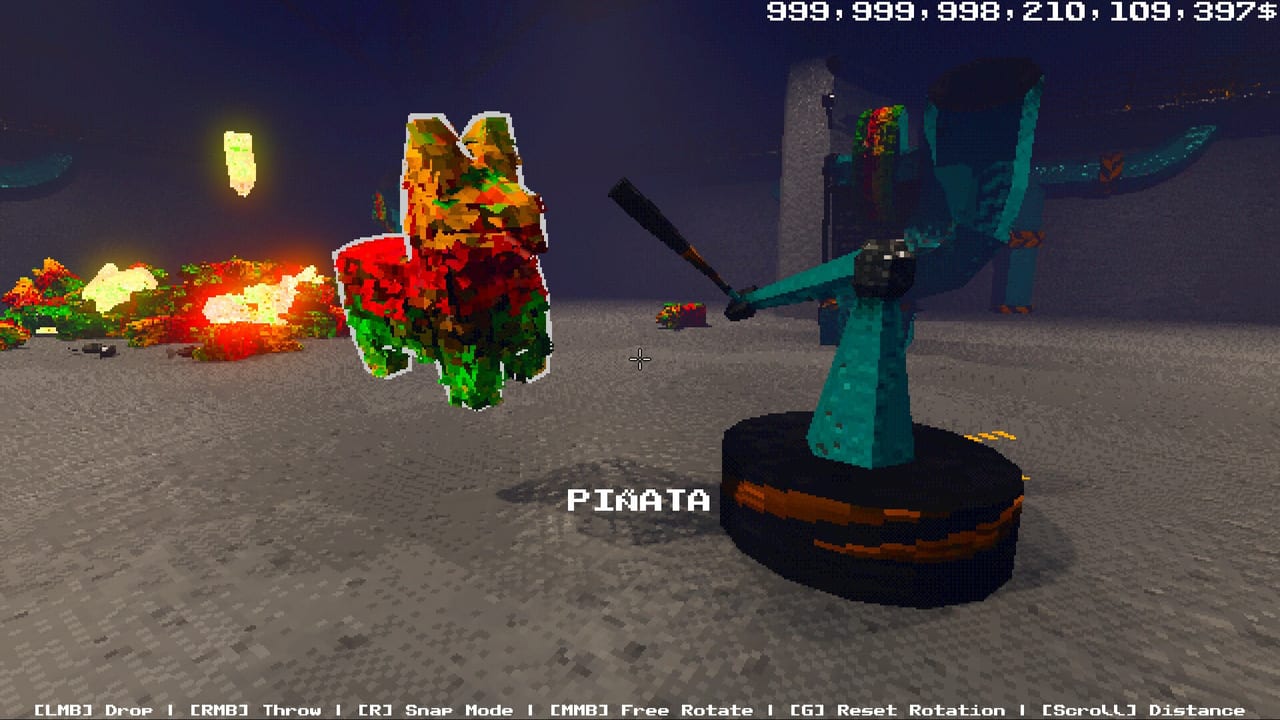
Project P.I.T.T. is Steam Deck Verified. That badge is real and useful for the opening shift: the brutalist PSX look is cheap to shade, TDP stays friendly, and the intern loop of craft-carry-feed feels at home on a handheld. The honest second sentence is that this is a physics sandbox. Verified does not mean 60 FPS when three hundred ducks, exploding piñatas, and cash registers share the floor. This page exists so you buy or resume on Deck with the right settings, the right expectations, and a rebuild plan when the CPU starts screaming.
The game is native Linux on Steam as well as Windows and macOS. Deck is not an afterthought port; it is one of the intended ways to feed The Maw on a couch. Valve’s Verified list included Project P.I.T.T. before launch. Steam Deck HQ’s hands-on still matters after launch: early game can sit near 60 FPS under 10 W, then later phases with huge loose-product counts can fall into the 20s. That is a simulation tax, not a missing Vulkan checkbox. Treat it like Factorio on a handheld — you are the one who spawned the lag.
Recommended Deck settings
Start from the in-game graphics path the community already uses on desktop. Turn off the retro effect. Set details to LOW. Drop resolution if the compositor is scaling for no benefit. Cap refresh if you prefer a stable 40 or 30 over a swinging 55-to-22. These are the same levers as Performance Settings; on Deck they are mandatory once phase two products arrive, not optional flavor.
Keep automation thin. Two well-aimed fans beat twelve overlapping magnets. Slick panels (conveyor-like surfaces in the full game) move product without spawning extra rigid bodies every frame. Cushion panels stop piñata shrapnel from becoming a second physics world. If you insist on a duck tsunami for the LAG achievement (1000 loose products), do it on a wall-powered PC, then come back to Deck for combo play.
TDP: the opening hour can live in a low wattage envelope. When the Maw is huge and workbenches spray registers, raise TDP before you lower resolution into unreadable posters. The satire is printed on concrete; you still need to read the terminal. Use the Deck’s performance overlay (CPU/GPU/FPS) as a build tool. If CPU is pinned and GPU is bored, your factory is the problem.
Controls on a handheld
Keyboard defaults still matter because the wiki’s Controls page documents them: jump, crouch, sprint, interact, grab, throw, rotate, snap. On Deck, open the official layout first — Verified titles usually ship a sensible pad map. Then read Controller Guide for rebinds, stick-driven facility walks, and hybrid mouse ideas. Rotate (middle mouse on desktop) is the fiddly one; give it a dedicated paddle or gyro if panel aiming feels like fighting the intern orientation posters.
Snap mode (R on keyboard) is your friend on a small screen. Free-rotate without snap is how boxes dump ducks onto the floor and how you lose a combo. Practice one Sticky panel placement in the starting room before you build a roof. Gyro can help with throw arcs once throwing is unlocked; it is optional, not required.
When to play on Deck versus desktop
Deck is excellent for phase one, for learning combo rhythm, and for short “one more dump” sessions. Desktop (or a Steam Machine-class box) is kinder for phase three and four factories, for FAST (400 products per minute), and for CONSUMERISM shopping sprees that spawn every toy at once. You can still finish the story-shaped six-to-ten-hour loop on Deck if you rebuild instead of hoarding loose product. The players who suffer are the ones who recreate a GrayStillPlays duck ocean on a handheld and then blame Verified.
Sleep/resume: physics games sometimes need a moment after resume. If tools despawn or a workbench forgets speed, reload the save rather than placing twenty more fans. Demo 0.2.8 already reworked workbench save/load; the full game continues that work, but a resume glitch is still cheaper to fix with a reload than with a new Rube Goldberg layer.
Cross-links that keep Deck play sane
- Buy and specs: Launch Notes and Release Date and Demo
- Phase plan: Full Walkthrough
- Product mass: Later Products
- Layout recipes: Automation Builds
- Secrets including height countdown: Tips and Secrets
Project P.I.T.T. on Deck is a good intern posting if you respect the CPU. Verified is the green check for the first hour. Your later hours are a factory design exam.
Frequently Asked Questions
Quick answers about the full game, The Maw, and day-one patches.
Is Project P.I.T.T. Steam Deck Verified?
Yes. The opening shift runs well at low TDP. Later phases with hundreds of physics objects can drop into the 20s FPS. Thin your factory and drop graphics.
What settings should I use on Deck?
Disable the retro effect, set graphics to LOW, watch CPU in the overlay, and prefer slick or cushion panels over fan spam. Cap FPS if you want a stable feel.
Can I 100% achievements on Deck?
Most of them, yes. FAST and giant loose-product trophies are easier on a desktop CPU. Use Deck for combo play and desktop for lag experiments.
Does native Linux help?
The Steam build is native Linux, so Deck is not wrapping a Windows-only binary. That helps overhead, but it cannot delete rigid-body cost.